
Cable TV, the way you remember it.
Flip through 100+ channels with a 90s-style guide on your TV: Android TV, Google TV, Fire TV, Roku and Windows. Cartoons, soap operas, home shows, news, classic TV, movies, old commercials and more. Always on, always mid-show. Free, with no account.
Android TVGoogle TVFire TVWindowsWeb + ChromecastRoku · soon

Looks like TV did
Up and down flips channels like a cable box. Press OK for the guide with the picture still playing in the corner, or type a channel number.
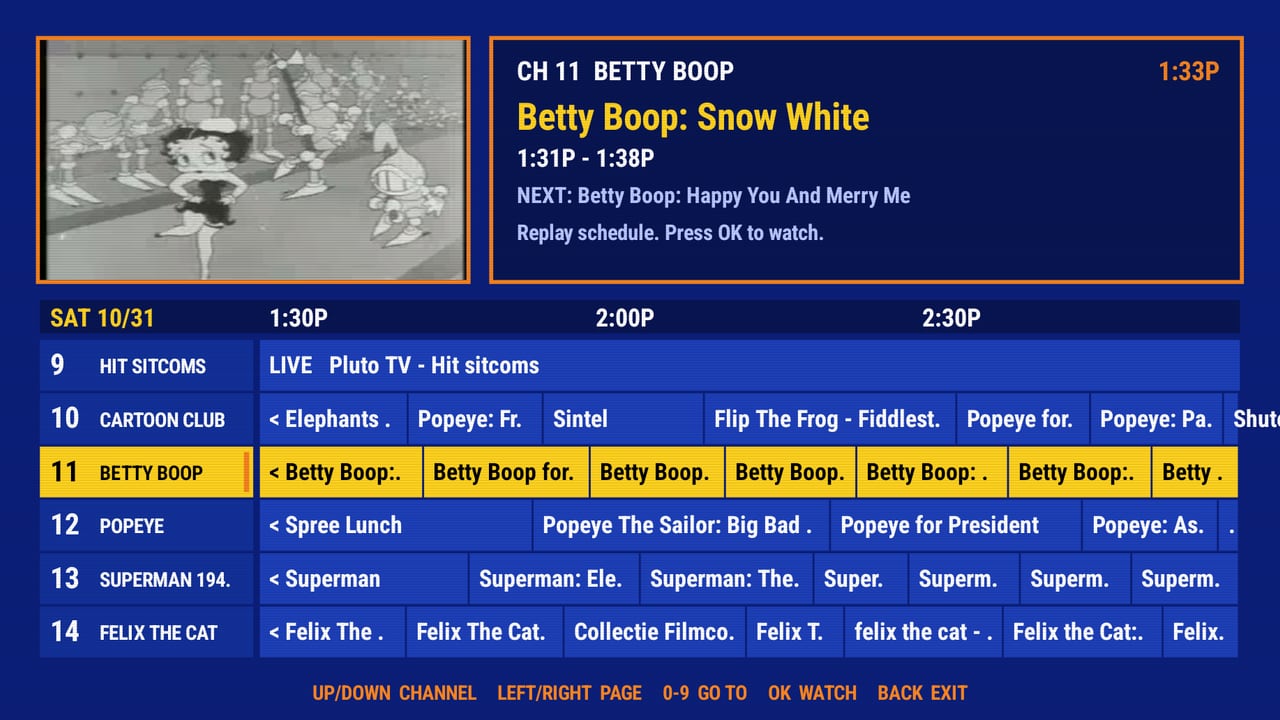
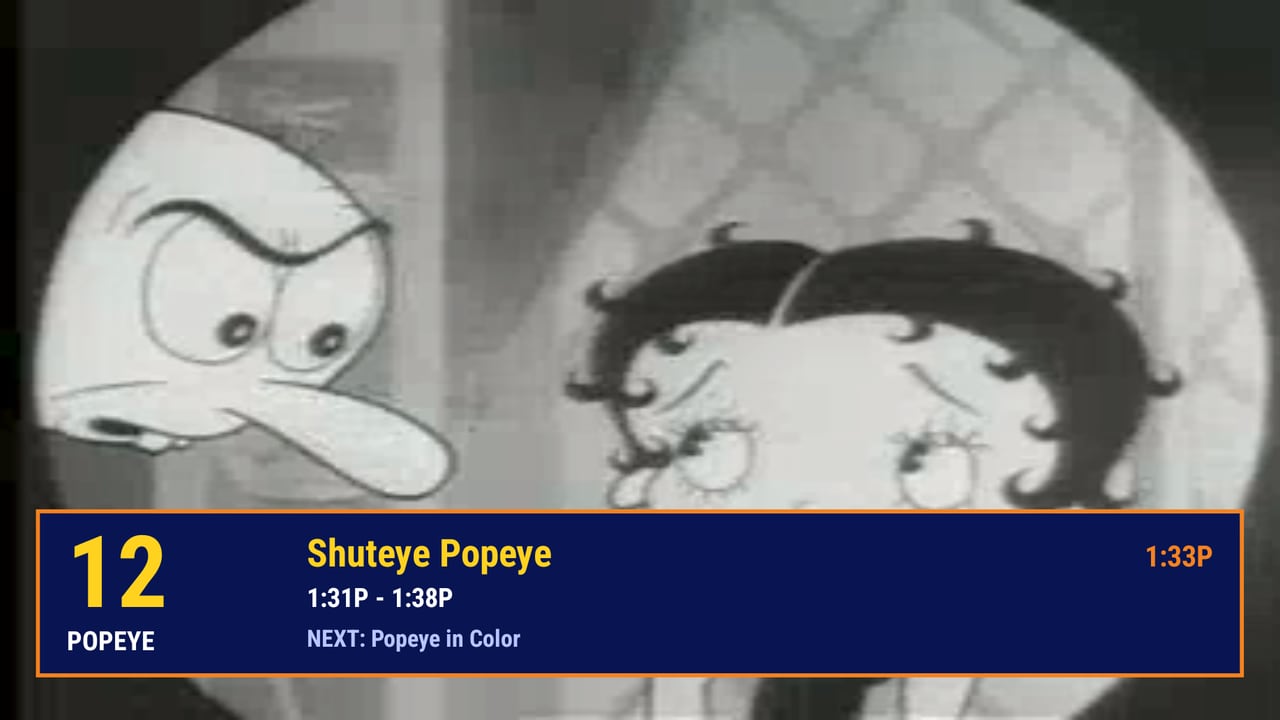
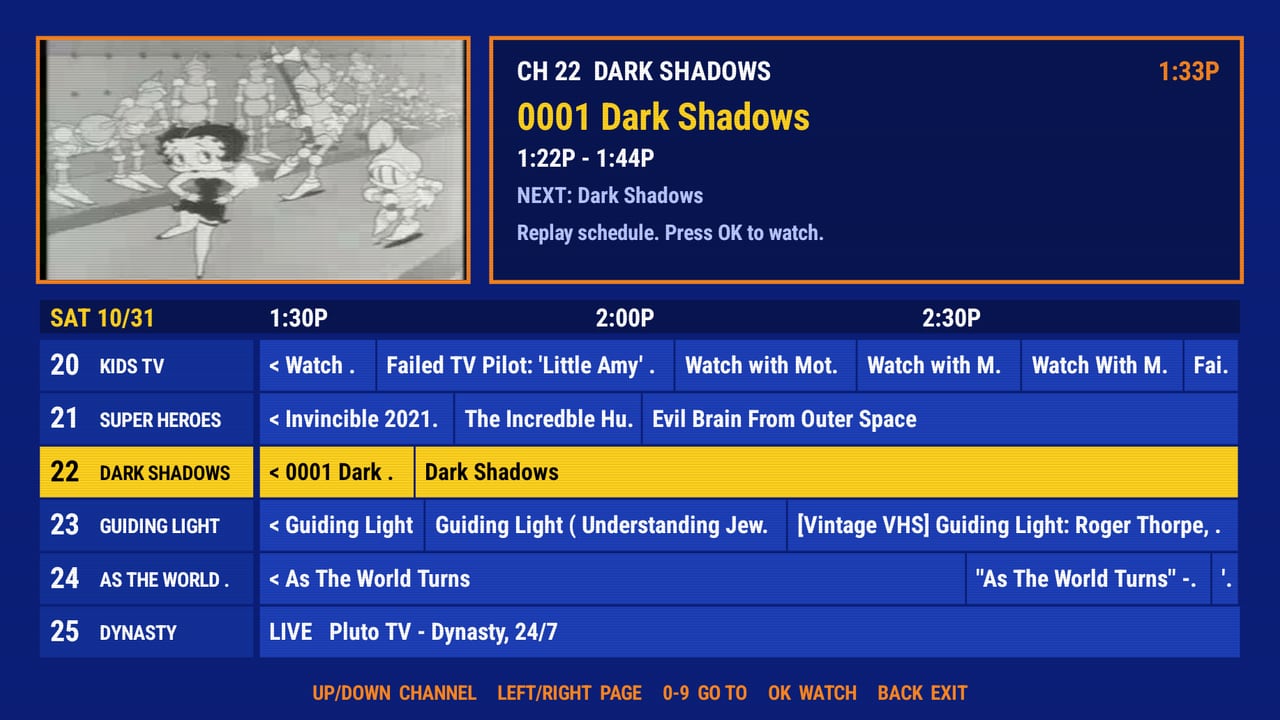
What's on
Channels run on a shared clock, so when you tune in the show is already underway, just like real TV. Soaps play oldest episode first where the archive has them.
Kids & cartoons
90s Kids, Nickelodeon, Saturday morning, Toonami, Disney Channel, Looney Tunes, anime. Kids channels come first.
Taped off the air
Whole recorded broadcasts with the commercials left in: Saturday morning, Nick, Toonami, Disney, MTV, NBC Thursday nights, TBS.
Sitcoms & classic TV
TV Land, hit sitcoms, game shows, variety, Twilight Zone, Hitchcock, westerns, detectives, sci-fi.
Music
MTV, VEVO by decade, hip-hop, country, rock, live concerts, jazz.
Movies
Noir, horror, creature features, kung fu, silent films, the Stooges, trailers.
Soaps & novelas
General Hospital, Guiding Light, Dark Shadows, 1950s soaps, telenovelas.
Home, sports & news
This Old House, Julia Child, workouts, baseball, boxing, 90s news, NASA, C-SPAN, weather.
Commercial break & the vault
Ads from every decade, infomercials, station IDs, and a VHS Vault for every year 1990-1999.
Install in 2 minutes
Roku has it in the store. For Android TV, Google TV and Fire TV you "sideload" it, which is easy. Pick your device for the full steps.
- Get Downloader by AFTVnews. Install the free Downloader by AFTVnews (orange icon) from your TV's app store. (Be sure it says "by AFTVnews"—there is a lookalike app with a similar name that does not work.)
- Allow it. On Google TV / Android TV: Settings → Apps → Security & restrictions → Unknown sources, and allow Downloader. On Fire TV: Settings → My Fire TV → Developer options → Install unknown apps.
- Enter the code. Open Downloader and type the code
5778898(or the addressbackwhen.stream/get), then choose Go → Install. - Watch. Open BackWhenTV. Press OK for the guide.
Prefer a computer? Install over ADB
adb connect <tv-ip>:5555
adb install -r BackWhenTV.apk
Remote: Up/Down = channel up/down · OK = guide / watch · Left/Right = page the guide · 0-9 = go to channel · Back = close guide / exit.
Questions
Is it really free?
Yes. BackWhenTV has no accounts, no subscription and shows no ads of its own. The live Pluto TV channels carry Pluto's own ad breaks, like on Pluto itself.
Where does the video come from?
Most channels play public and user-uploaded videos straight from the Internet Archive. The live 90s channels come from Pluto TV's free streams. BackWhenTV hosts no video; your TV streams directly from those sources, and a small service only tells the app what's on.
Why is a channel sometimes grainy or odd?
A lot of Internet Archive material is old tape recordings and uploads of varying quality. That's part of the charm, but it isn't perfect.
Will it run on a cheap stick?
It's built to be light: under 1 MB, a single screen drawn directly, small video buffers. It's aimed at low-end sticks like the Onn 1080p and 4K.
Does it work on Fire TV or Android phones?
It targets Android TV, Google TV and Fire TV (Android 5.1 or newer, which includes older Fire OS 5 and 6 sticks) with a remote. It isn't designed for touch screens.
Is there a Roku version?
Yes, and it is on the way. The Roku version has the same channels and the same guide, and it installs straight from the Roku Channel Store, with no sideloading. This page will show an Add to Roku button the moment it is live.
How do I update?
When a newer version is out, a small "UPDATE READY" note appears in the guide. Open the guide and hold OK to install it. The first time, Android asks you to allow BackWhenTV to install updates. You can also just run the Downloader code again.
Does it track me?
Only a little, and anonymously, so I can tell whether anyone is using it. The app makes a random ID on your device (not linked to you, your TV account or your name) and sends it with the app version and how many minutes you watched each channel. No IP address, location or account is stored. Reports are kept for 90 days. There is nothing to opt into because there is nothing personal in it.
Is it safe?
The APK is signed by BackWhenTV. Check that the SHA-256 shown above matches your download. The app asks for internet access, plus permission to hand its own update to Android's installer (you always get Android's usual confirmation, and nothing installs without you).
Keep the lights on
BackWhenTV is made by one person, and the servers and time are paid for out of pocket. If it makes your night better, a tip helps keep it free. No pressure, it works exactly the same either way.
Chip inMost of what you watch lives on the Internet Archive, a non-profit. BackWhenTV only exists because of their library, so we want to give back: as the project grows, part of what supporters give will go to the Archive. You can also chip in to them directly.